algoQA Integration
algoQA is an end-to-end automation testing platform powered by artificial intelligence. It lets you generate test cases, executable automation scripts and datasets in a jiffy, thereby saving your testing and test maintenance cost and enhance your overall test coverage.
By integrating TestMu AI with algoQA, you can perform automated browser testing on an online browser farm of 3000+ real browsers and operating system combinations, and achieve greater test coverage.
Prerequisites
-
Make sure you have a TestMu AI account. If you don't have an account yet, sign up for free.
-
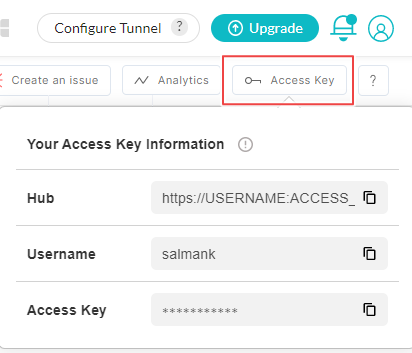
To run automated tests, you will need TestMu AI Username and Access Key. You can get them from the TestMu AI Automation Dashboard under Access Key.
Integrating algoQA With TestMu AI
-
Login to your TestMu AI account.
-
Paste your TestMu AI Username and Access Key in the test scripts for generating a secure remote connection with algoQA through TestMu AI Remote URL.

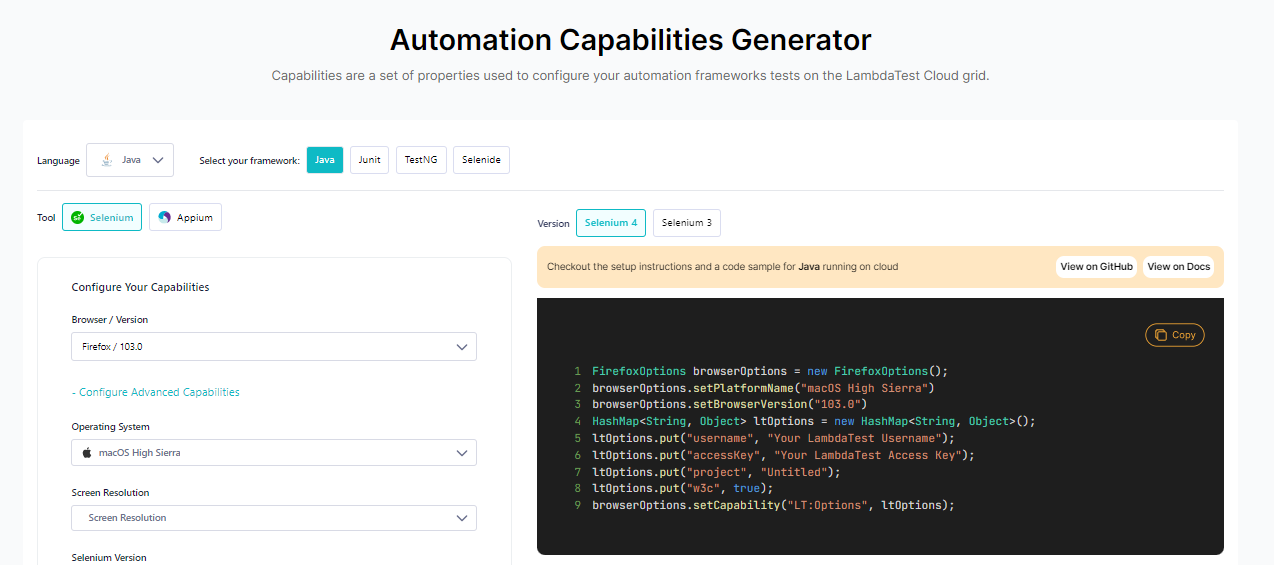
- Navigate to TestMu AI Automation Capabilities Generator for declaring desired capabilities. For instance, if you wish to test on macOS High Sierra using Firefox browser then desired capabilities for Java frameworks would look like below.
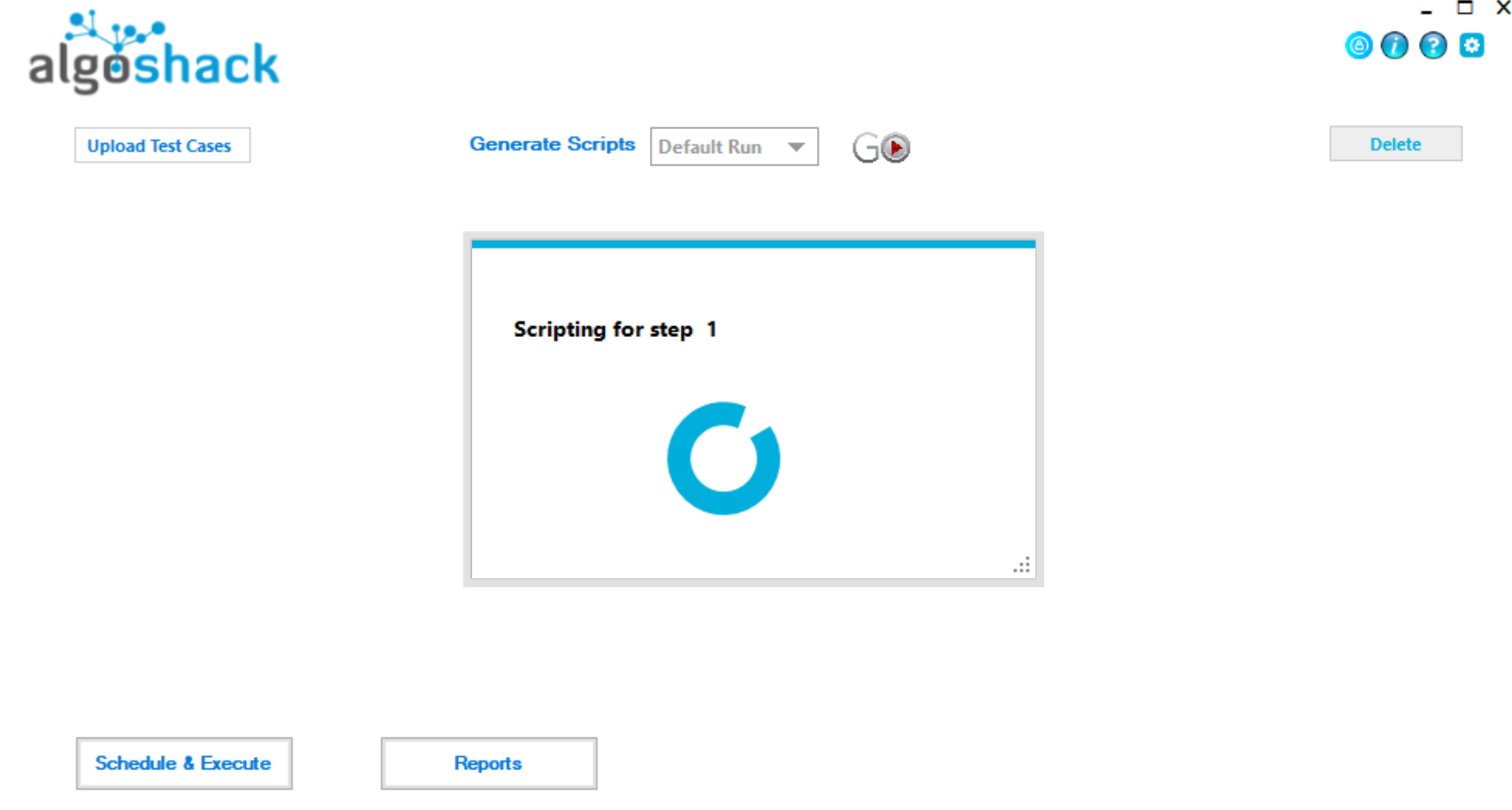
- Visit algoQA platform to generate Selenium scripts in Java.
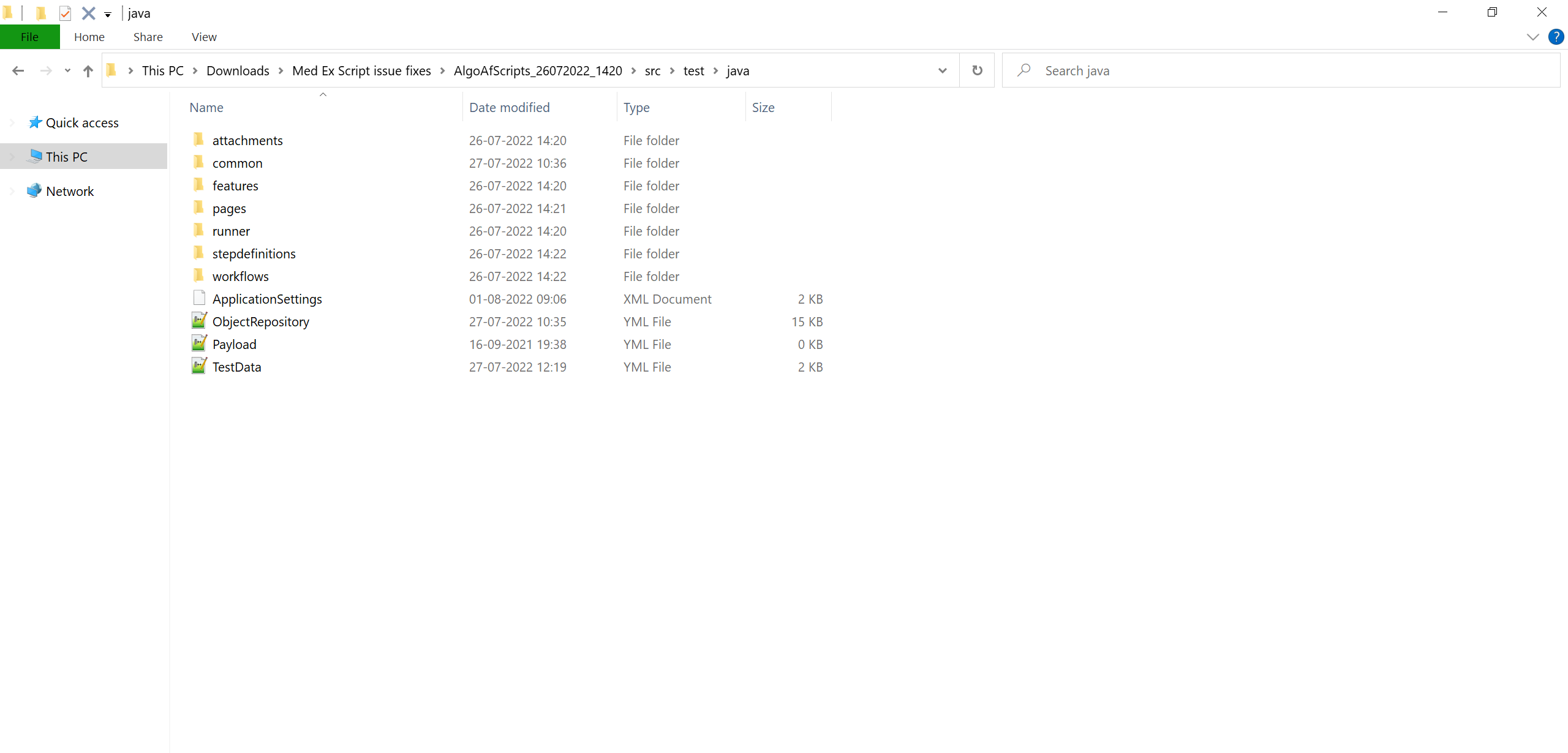
- After generating the Selenium Java scripts, open algoQA scripts and go to the directory
src/test/java.
- Open ApplicationSettings.xml file to modify TestMu AI environment changes as highlighted below.
- BrowserType
- TestMu AIBuild
- TestMu AIURL
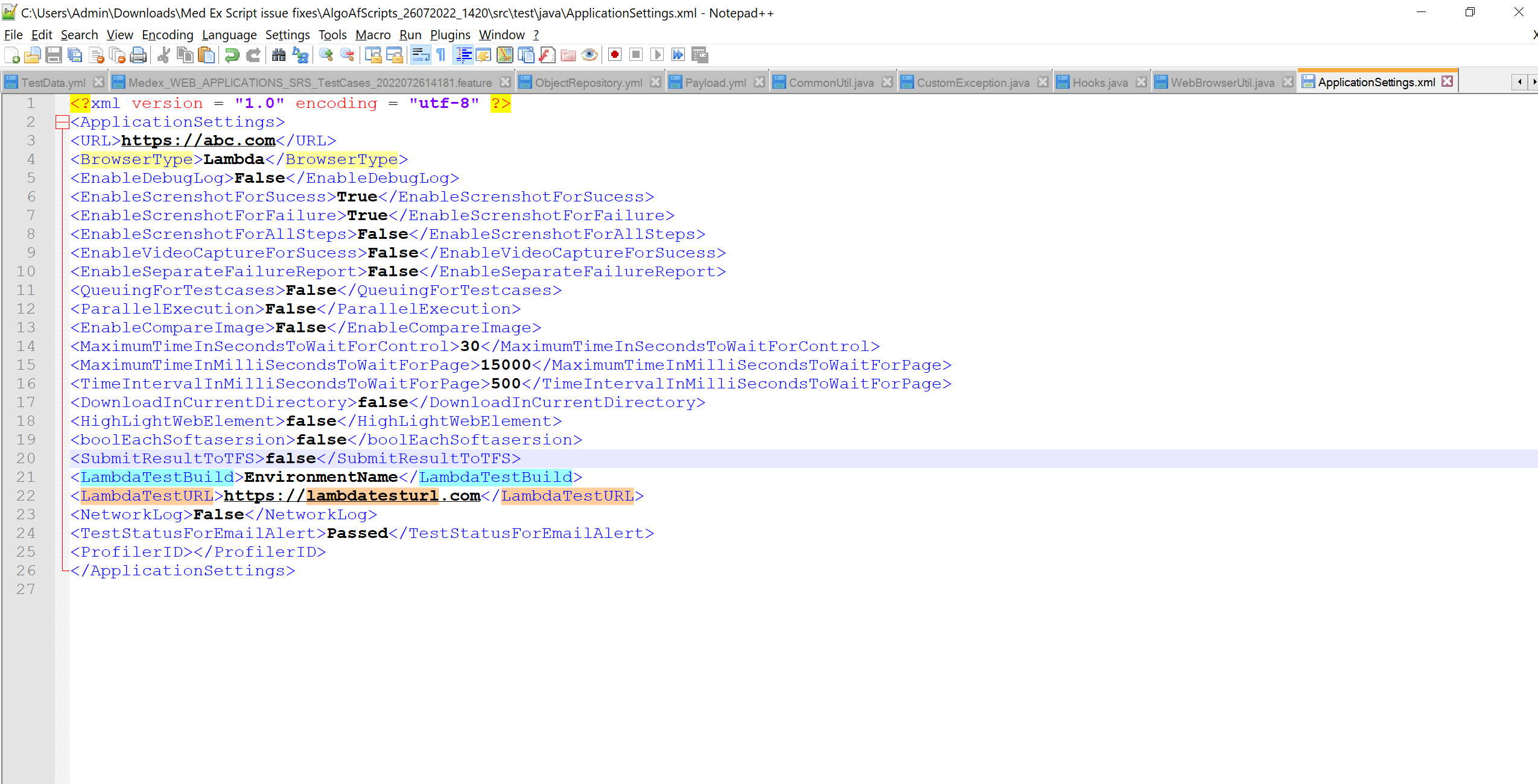
Once you have defined the above parameters, your script will be ready for execution.
- Navigate back to pom.xml directory and open Command Prompt in the same directory.

- Pass the below command in the Command Prompt to trigger the script execution.
mvn test

 Chat with Us
 Ask the Community