Rename Slash Command Steps
Rename test steps for API, JS, Database, Network Assertion and Visual Comparison to improve clarity and consistency without affecting functionality.
Overview
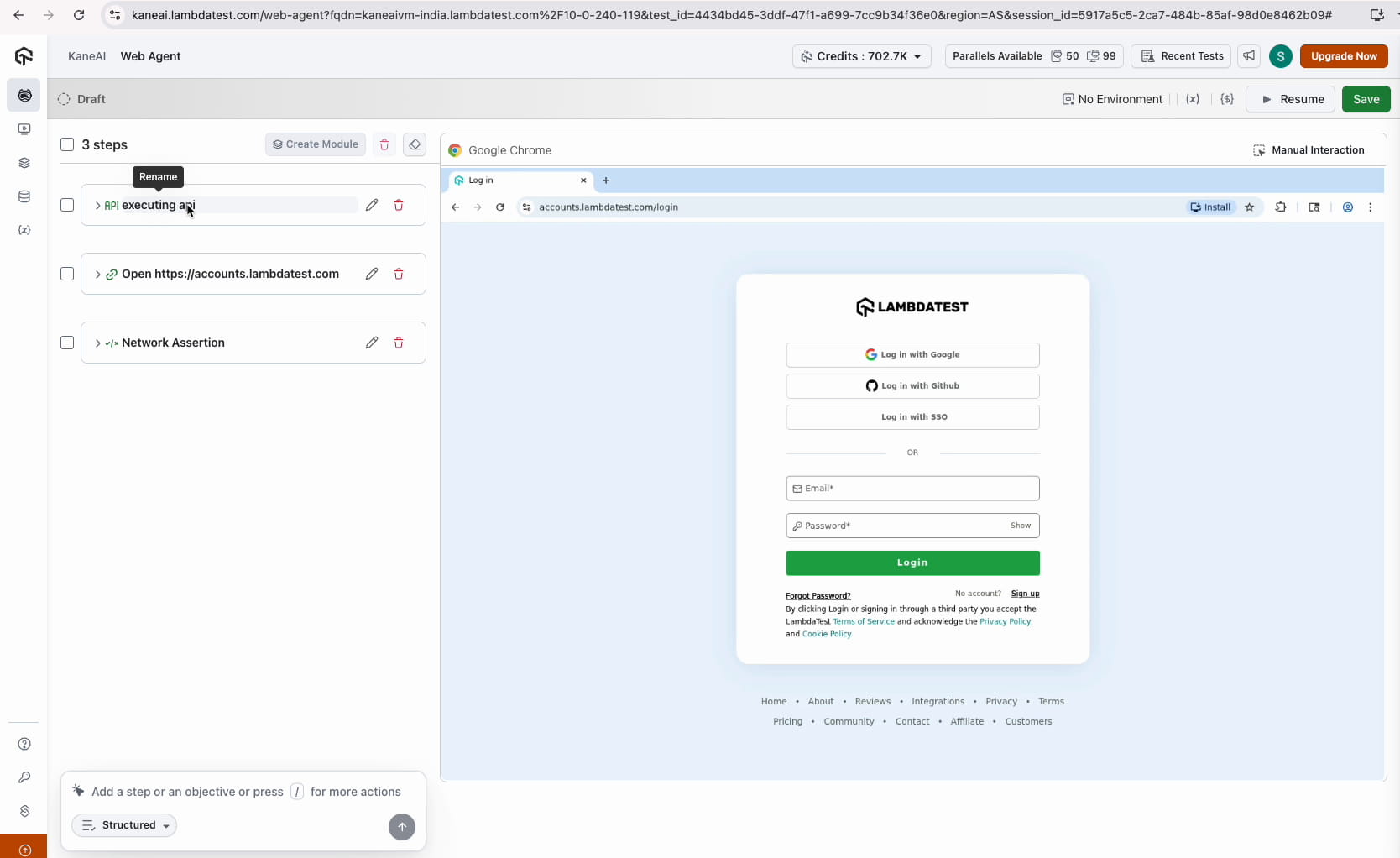
The Rename Test Steps feature allows users to change a test step’s name without changing how it works.
Benefits:
- Improves readability of test steps
- No impact on execution or instruction logic
- Renamed step name stays even if instruction changes later
- Works for Web and Mobile slash command instructions
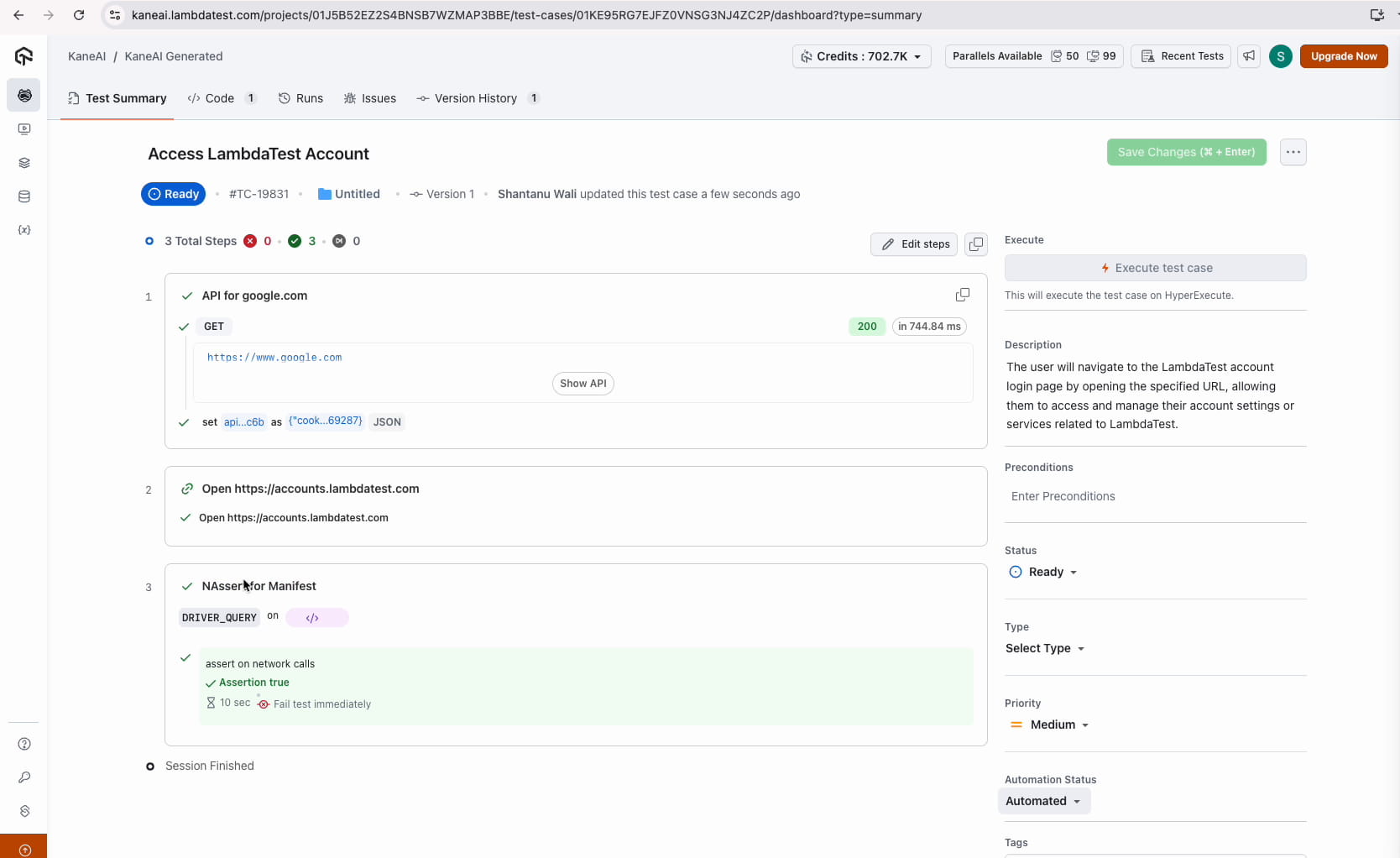
- The step names are updated even in the execution command logs.
How to Use
- Ensure the authoring session is open and the relevant step is visible.
- Pause the session. Renaming is available only while the session is Paused, along with the other step editing actions. See Session states.
- Click on the step name to make it editable.
- Enter the new name and press Enter or click outside to save.
- Click Resume. Your device is not restarted and no steps are re-run — the session simply returns to Authoring Steps, with the cursor back at the bottom-most step.
Note: Only the step name changes; the instruction logic and behavior remain the same.
Limitations
- Supported instruction types:
- Web: API, DB, JS, Visual comparison, Network assertion
- Mobile: API, DB, JS, Visual comparison
- Only the step name can be updated (max 255 characters)
- Renaming inside Modules is not supported
- Step rename history is not versioned
- Special characters
{}appear as{{}}in the generated code
Troubleshooting
| Issue | Cause | Solution |
|---|---|---|
| Step name not updated | Save action missed | Re-edit and save |
| Step name resets after refresh | Network/session issue | Refresh page and retry |
Have any feedback or request? Reach out to us via support@testmuai.com and we would be happy to hear from you.


 Chat with Us