Smart Visual Testing
Smart Visual Testing feature allows you to test and compare two image layouts to determine the differences between them quickly. With just one click, you will now be able to view visual bugs easily, such as Icon Size, Padding, Color, Layout, Text, Element Placement, and much more.
Upload Baseline
Once you login, click on the Navigation menu bar in the left Visual UI Testing > Smart Testing.
Next, we have to upload a Baseline image
Step 1: Upload a baseline image. Click on the + icon next to the Base Line Images header.
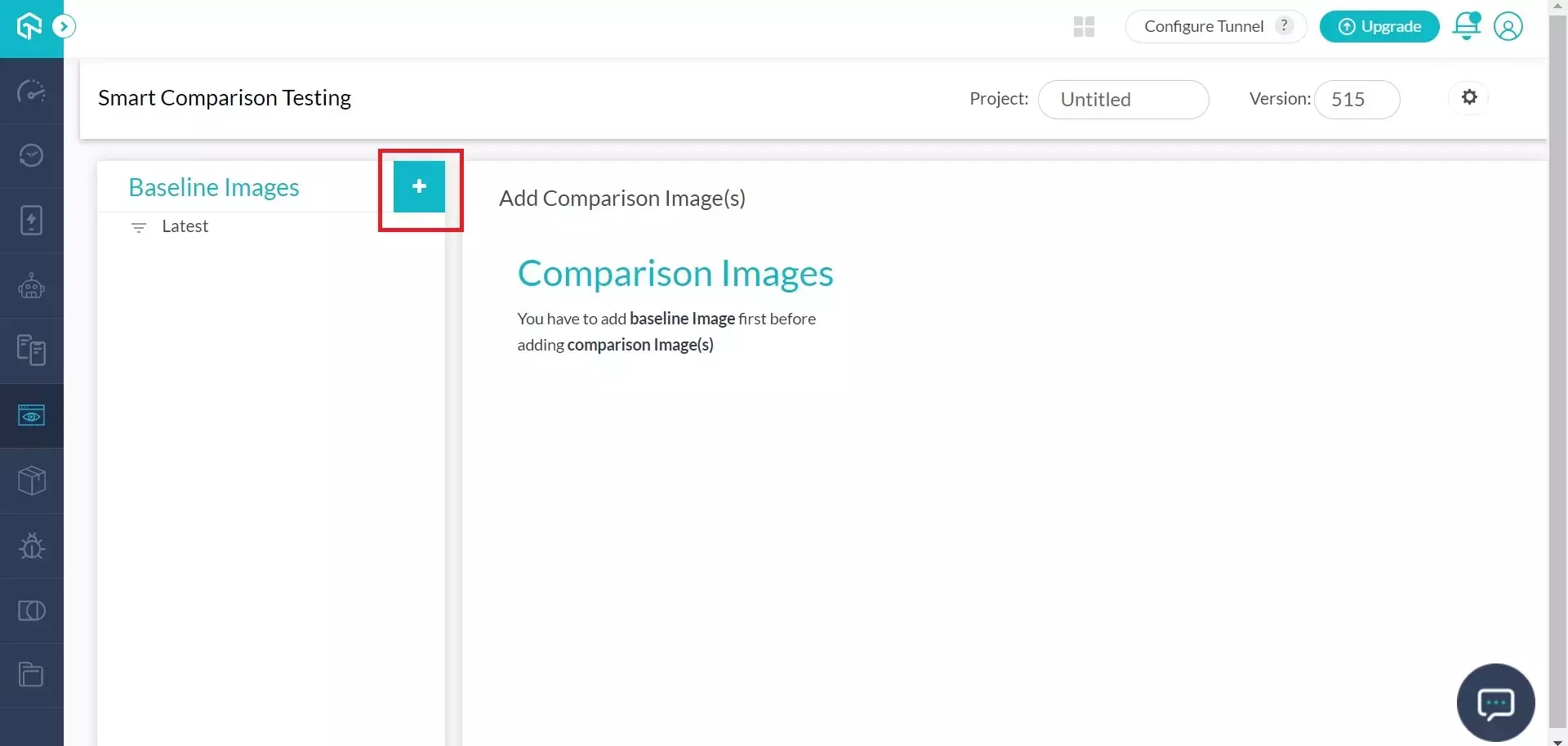
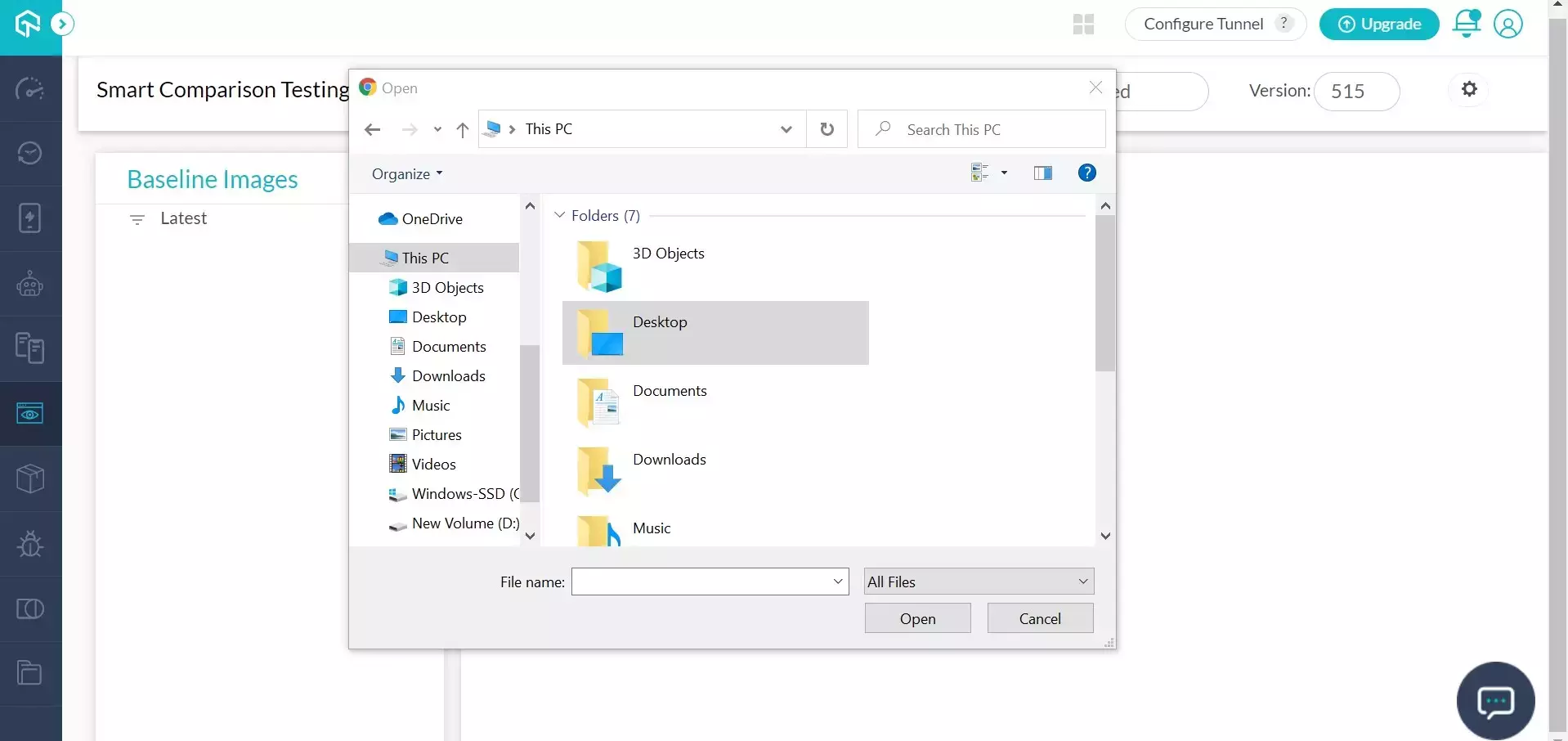
Step 2: Select a baseline image from your computer. You can also select multiple images at a time.
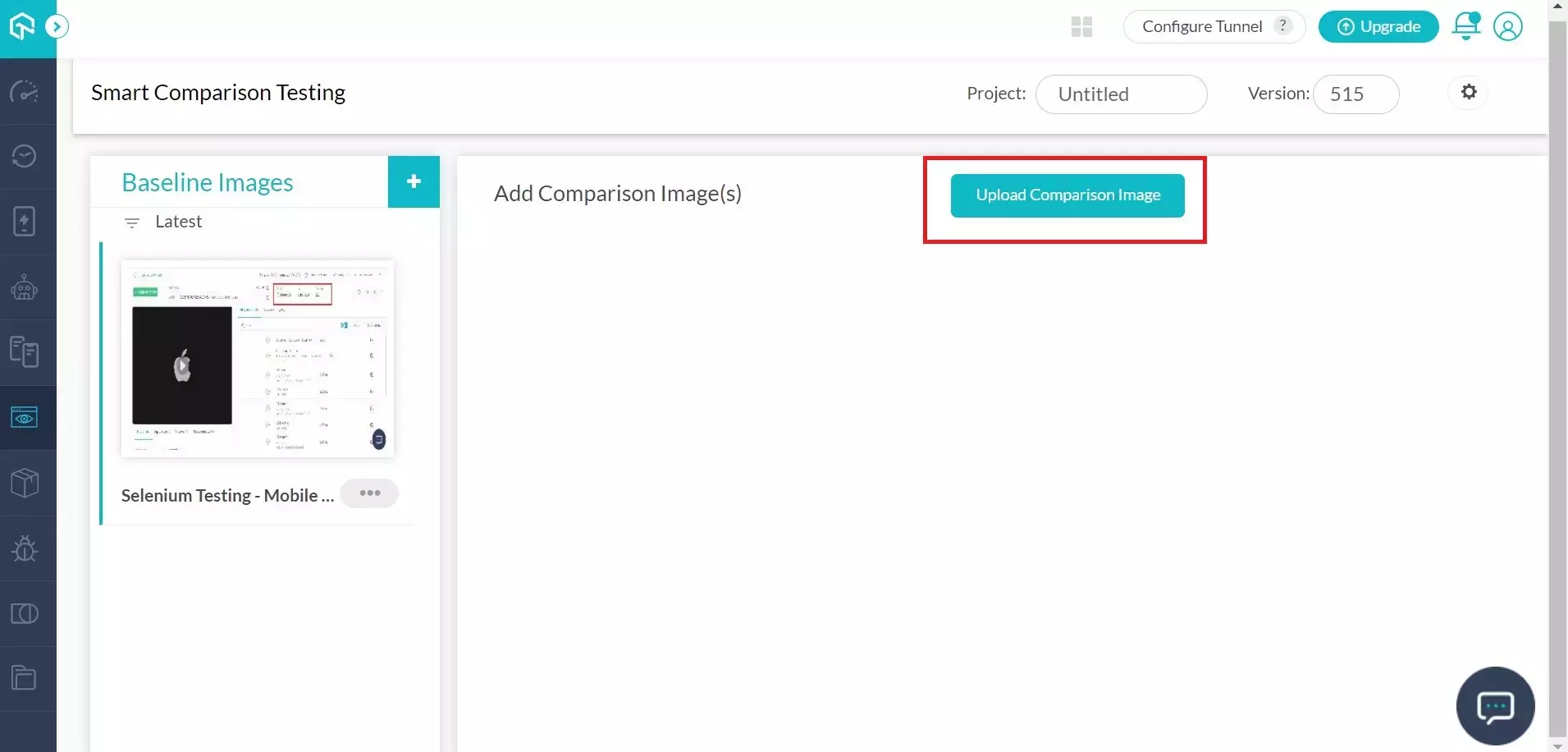
Step 3: Once selected, images will be uploaded, and you can view the same under the Baseline Image gallery.

Upload Comparison Images
Upload Comparison Images. Please note that you cannot upload comparison images before uploading a baseline. Once you have uploaded the baseline image, below are the steps to upload a comparison image.
Step 1: Click on the baseline image you want to run a comparison with.
Step 2: On the right, you will find the Upload Comparison Image button. Click on it to upload images.
Step 3: Select the images you want to compare with the baseline image. You can select multiple images as well.
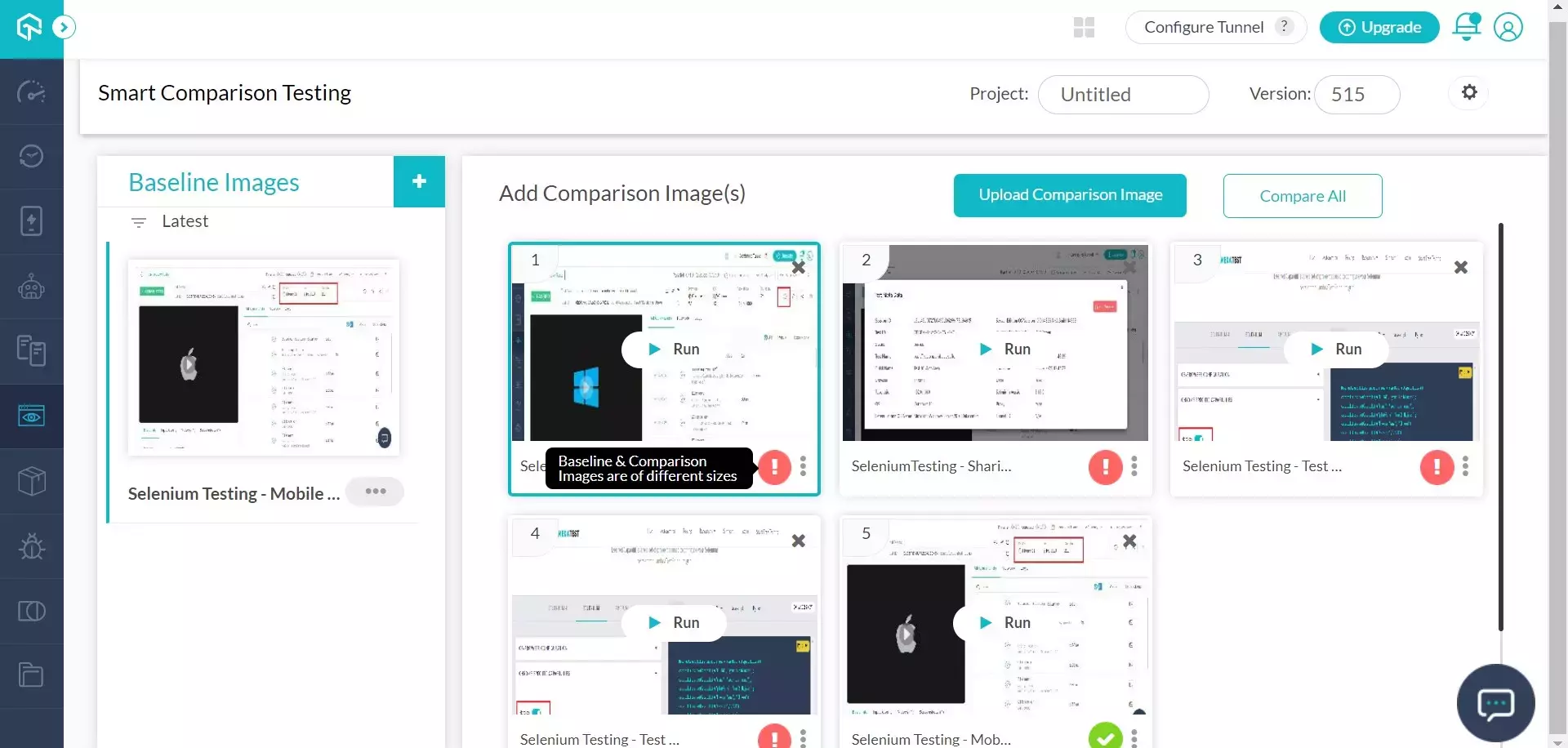
Step 4: If everything goes well, you would see the thumbnail of your comparison images along with the RUN button.
Run Comparison
Step 1: Once you have uploaded the comparison images, running the comparison is pretty simple. Just click on the Run button on the comparison image thumbnail.
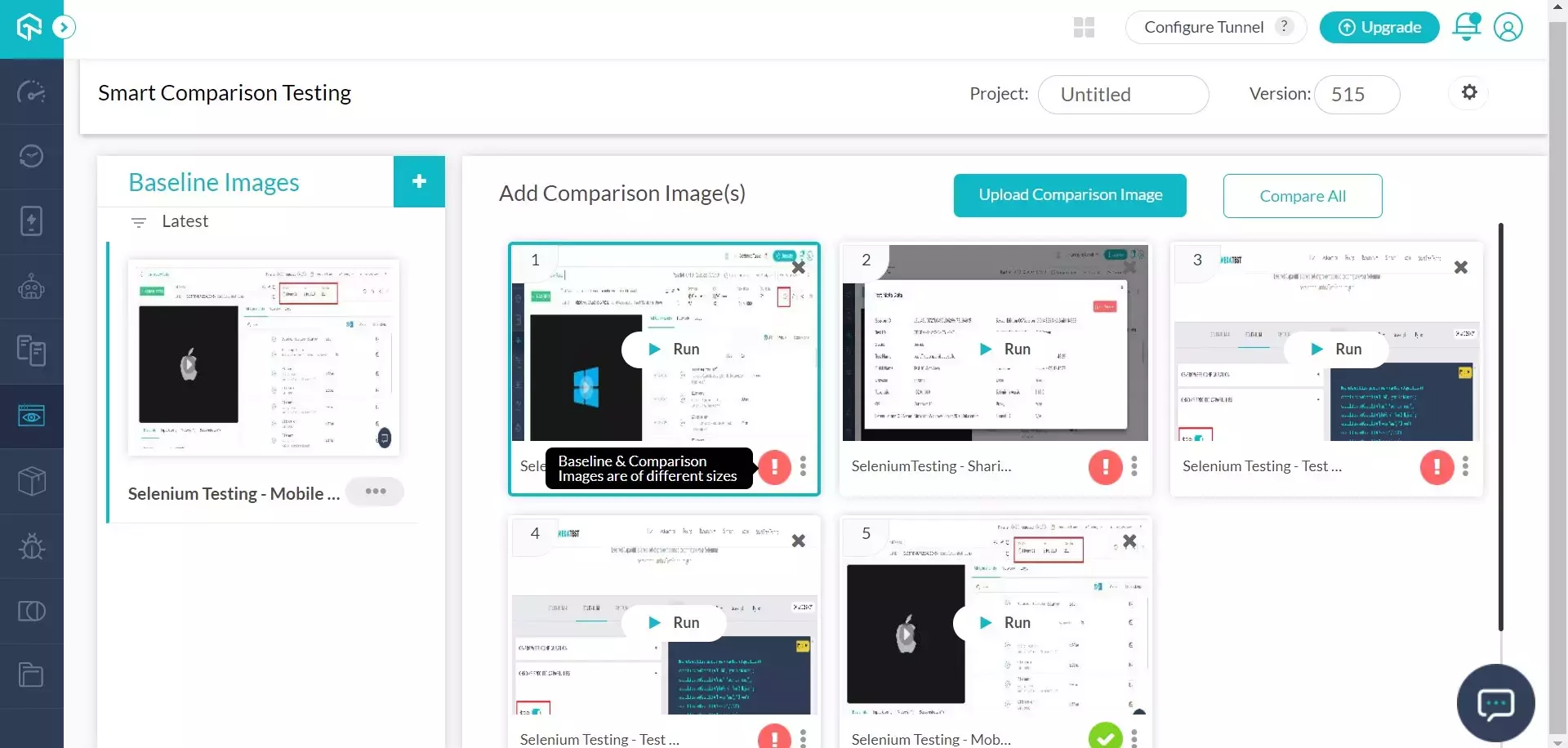
Step 2: You can also click on compare all button.
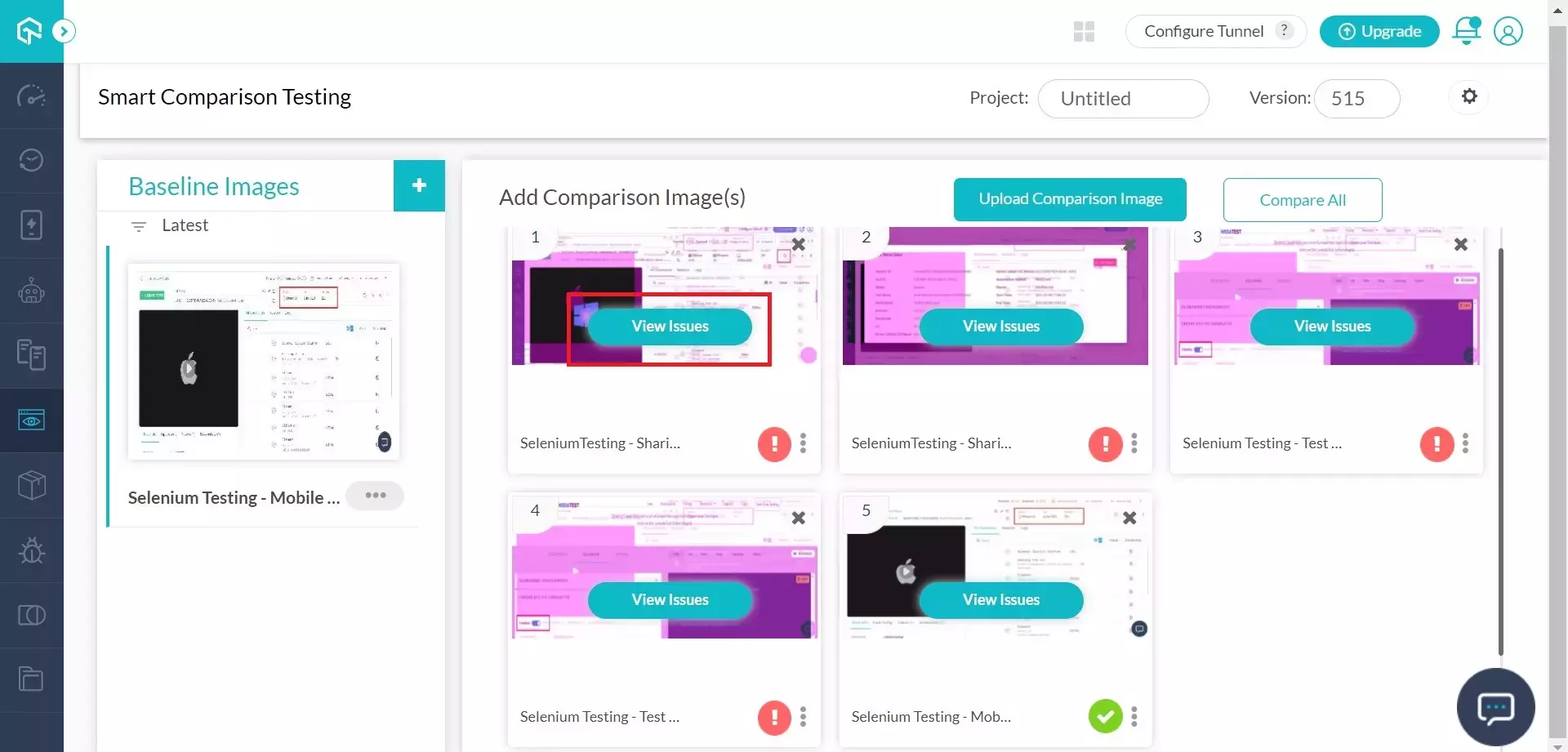
View Comparison and Issues
Once you have run the comparison between baseline and comparison images, you can check the issues by clicking on the View issues button on the comparison image.
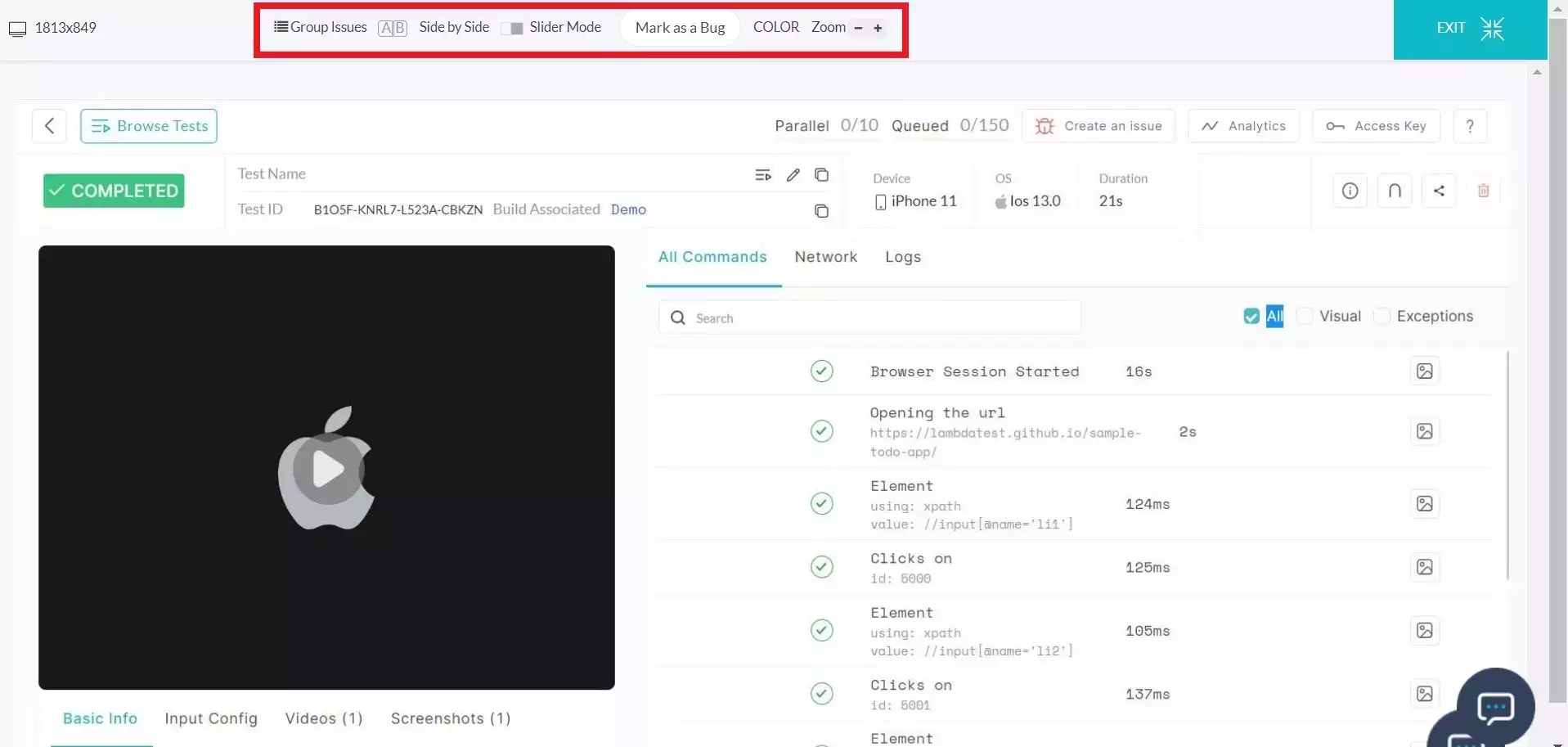
This will take you to a new window with a comparison image. You can zoom-in or Zoom out the images in this window, change the image difference color, switch to slider mode, switch to side-by-side mode, or mark the image as a bug.
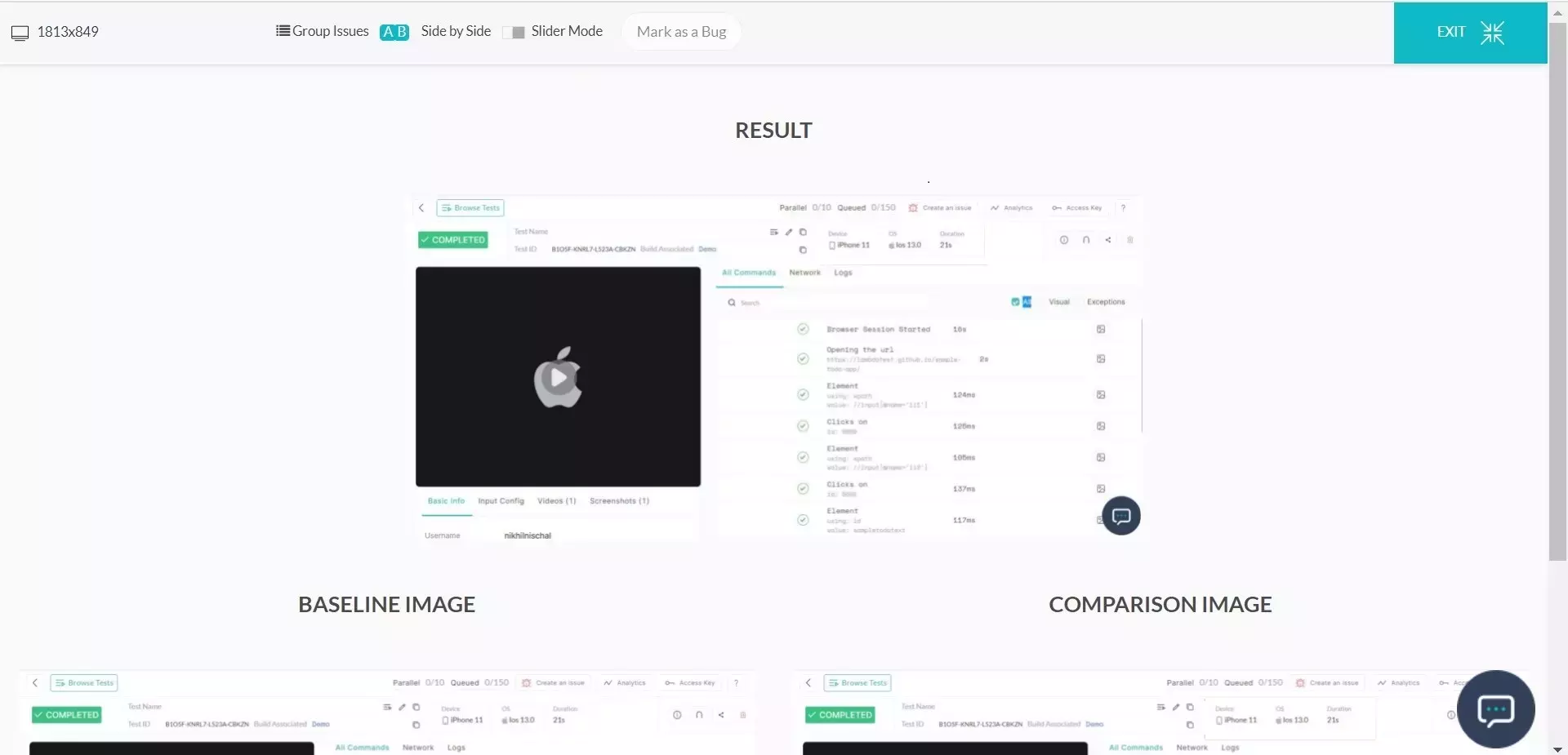
Side by Side Mode
There are multiple options for you to view your images. The side by side mode will open all three images, baseline image, comparison image, and comparison result image in a single window. In this mode, you can also mark the image as a bug. Or you can switch to any other mode.
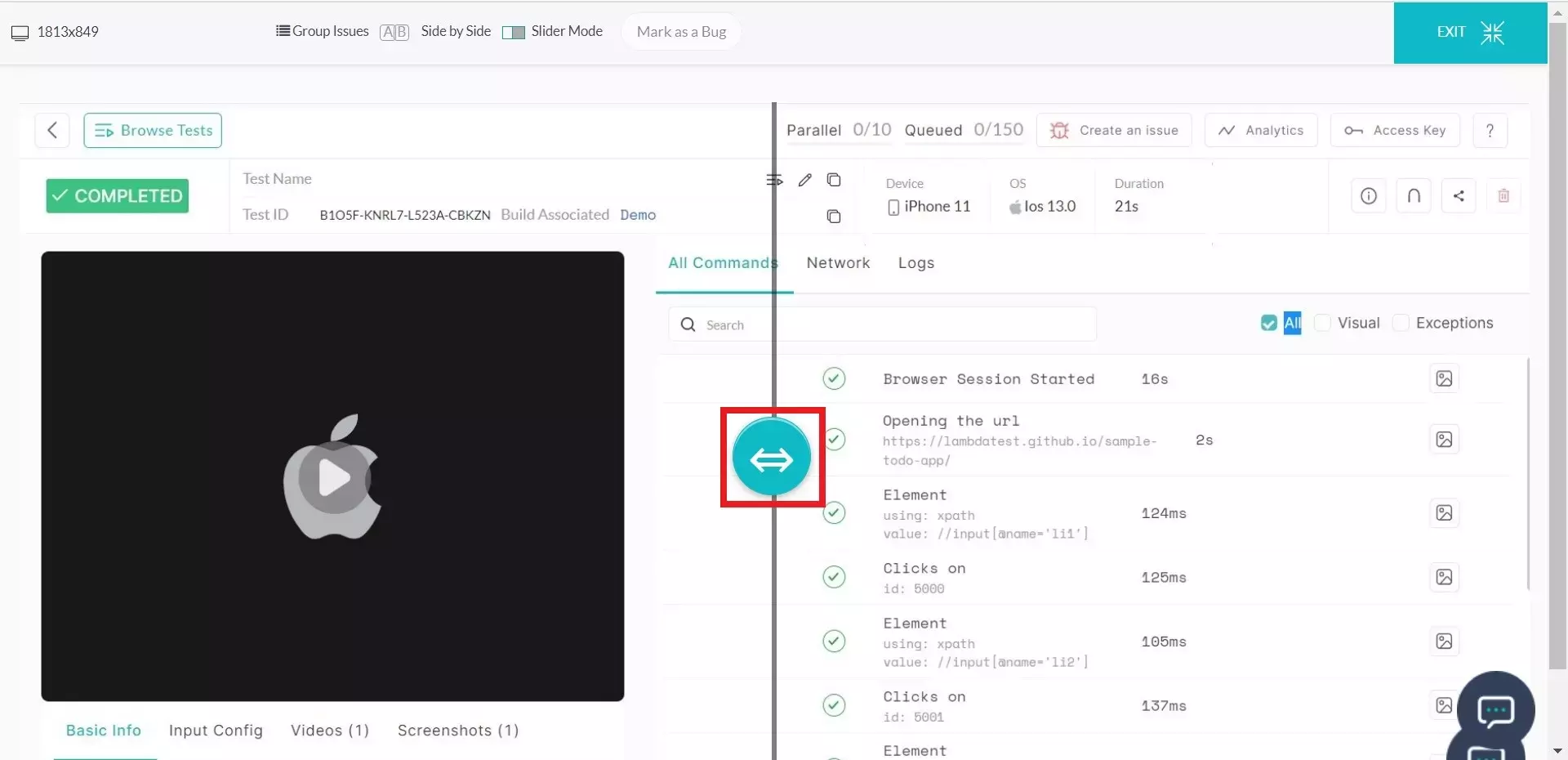
Slider Mode
In slider mode, you can view the baseline image and comparison image overlapped over each other and toggle them with a slider. This mode can help you view the difference between the two images very easily.
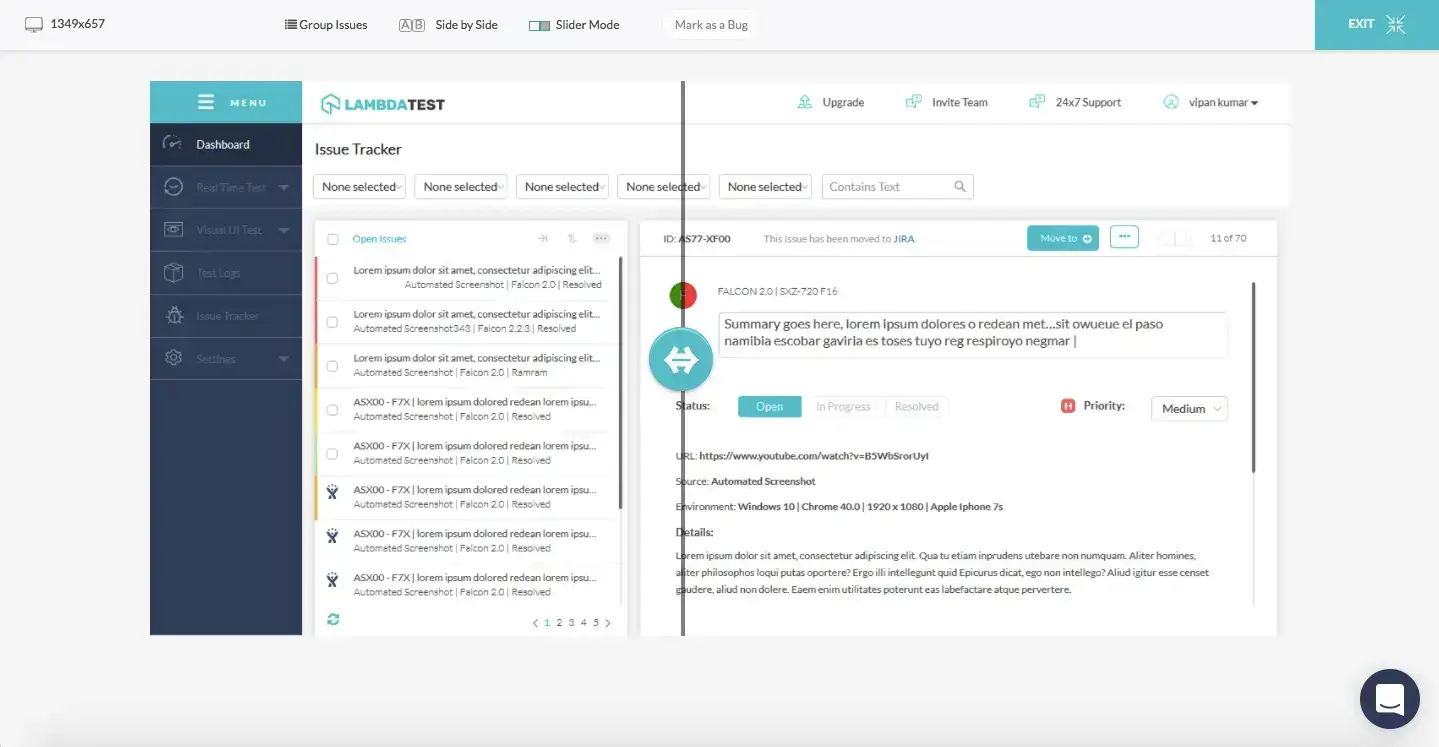
Change Baseline or Comparison Image
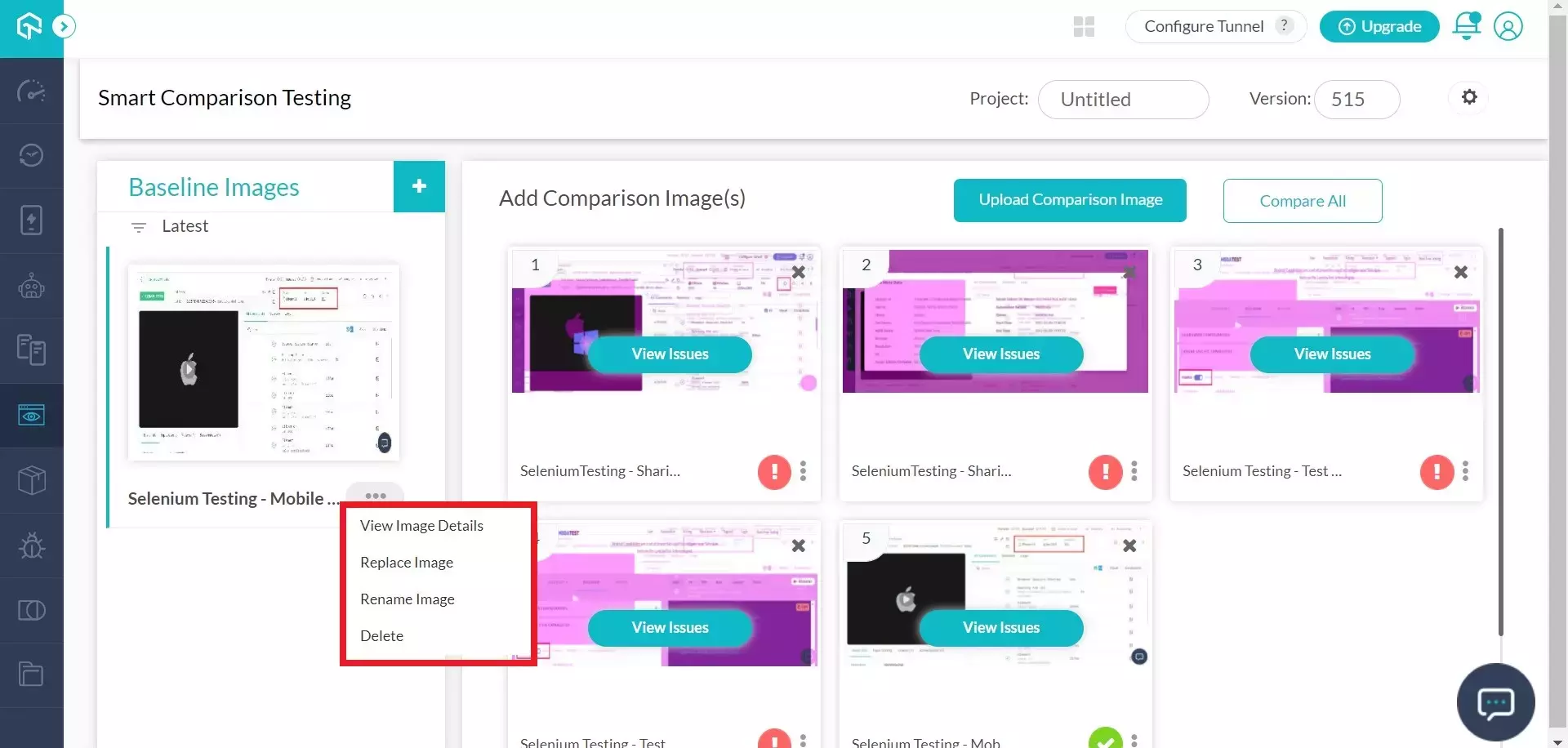
You can change the baseline or comparison image easily. Just click on the settings button at the bottom of the image thumbnail. You would see multiple options like View Image Details, Replace Image, Rename Image, and Delete Image.


 Chat with Us