 Test your AI Agents with the all-new Agent to Agent Testing Platform.Learn More
Transform QA with Scalable Functional Testing Solutions
Ensure your application meets software requirements and delivers optimal performance by validating functional features with precise input-output verification for a seamless user experience.

Trusted by 2M+ users globally





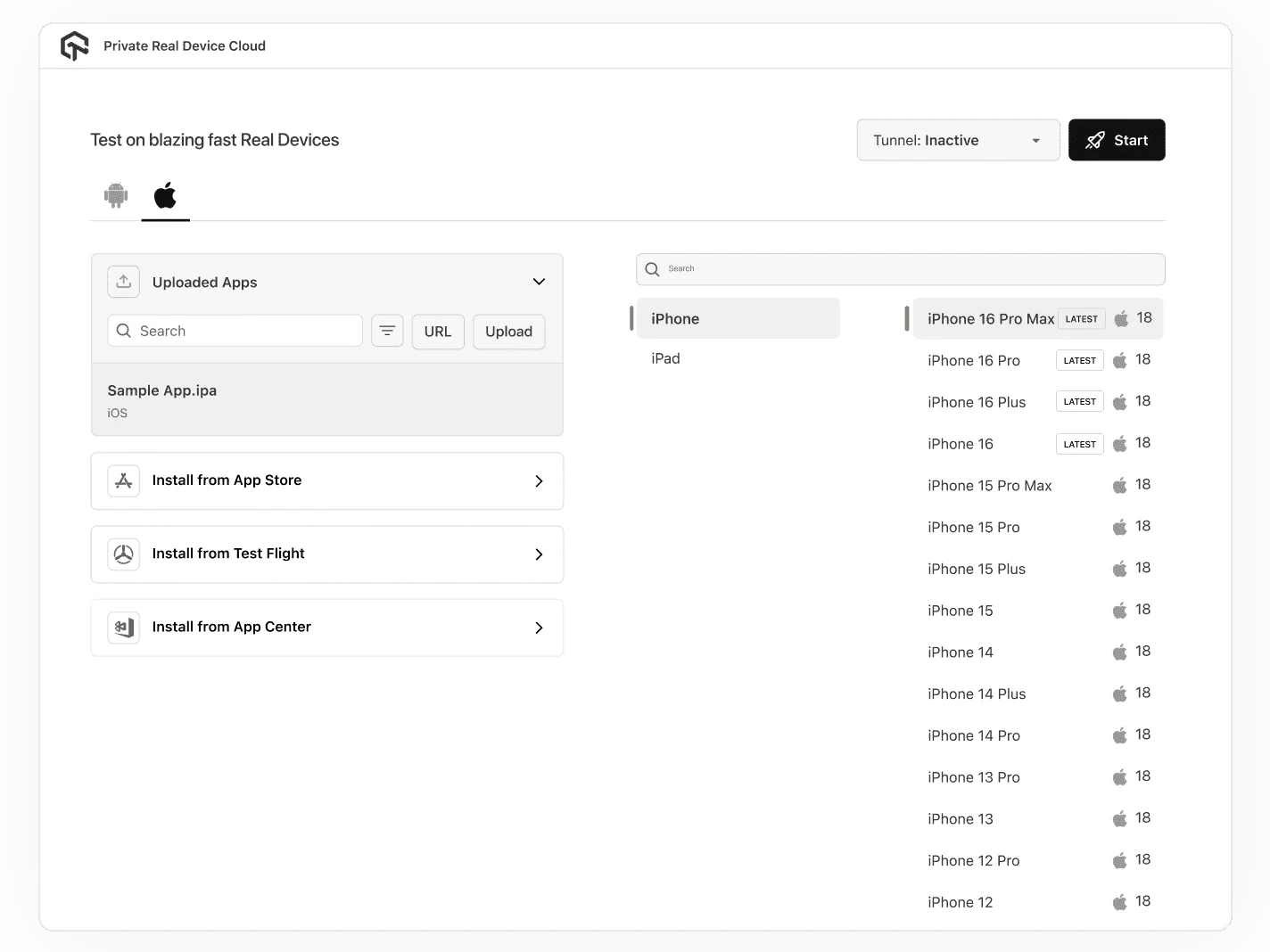
Live Interactive Functional Testing
- Access emulators, simulators & 10,000+ real devices in one cloud.
- Launch, interact and debug apps on actual devices without lab setup.
- Instantly capture logs, screenshots and video for exploratory checks.

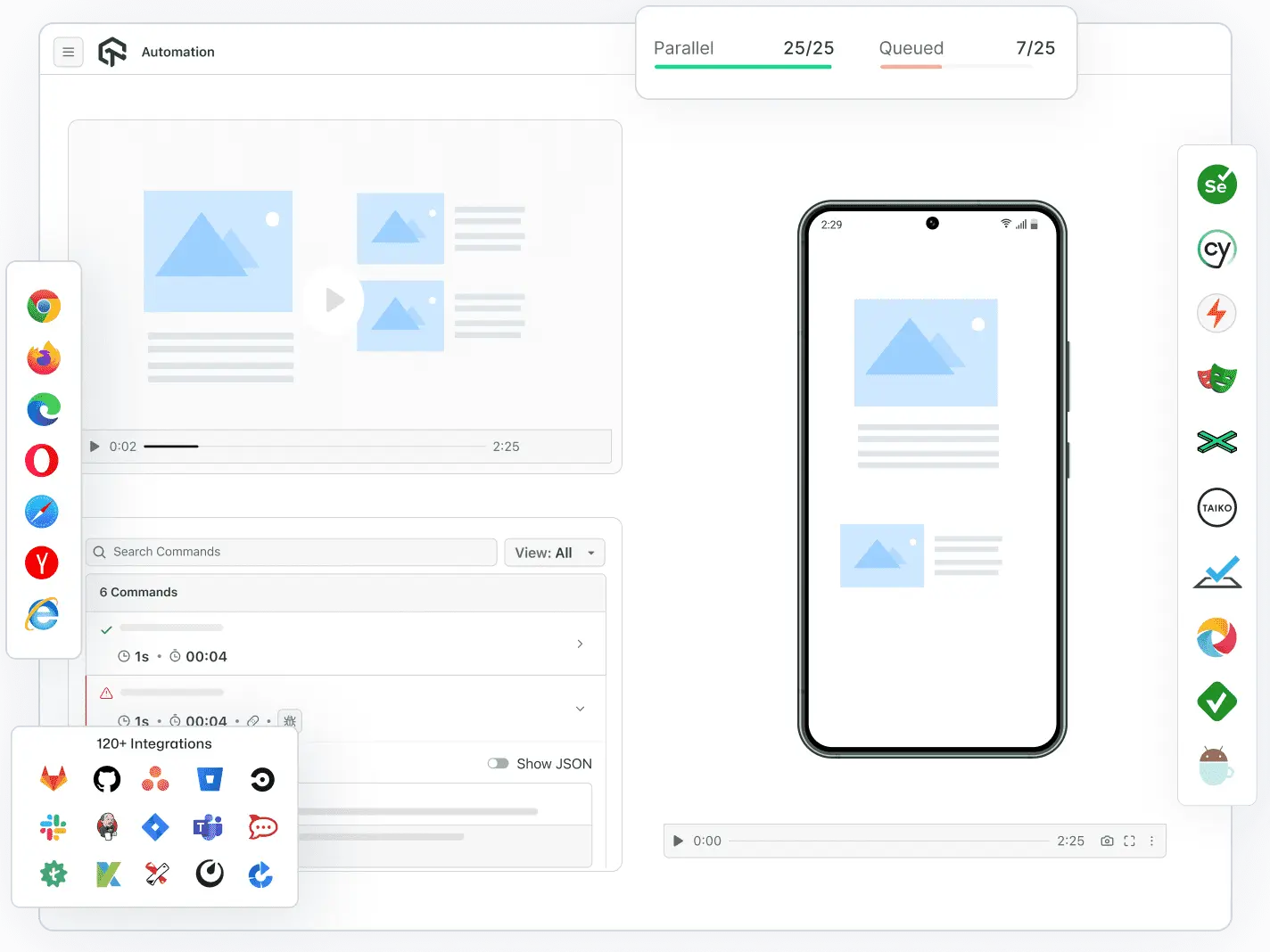
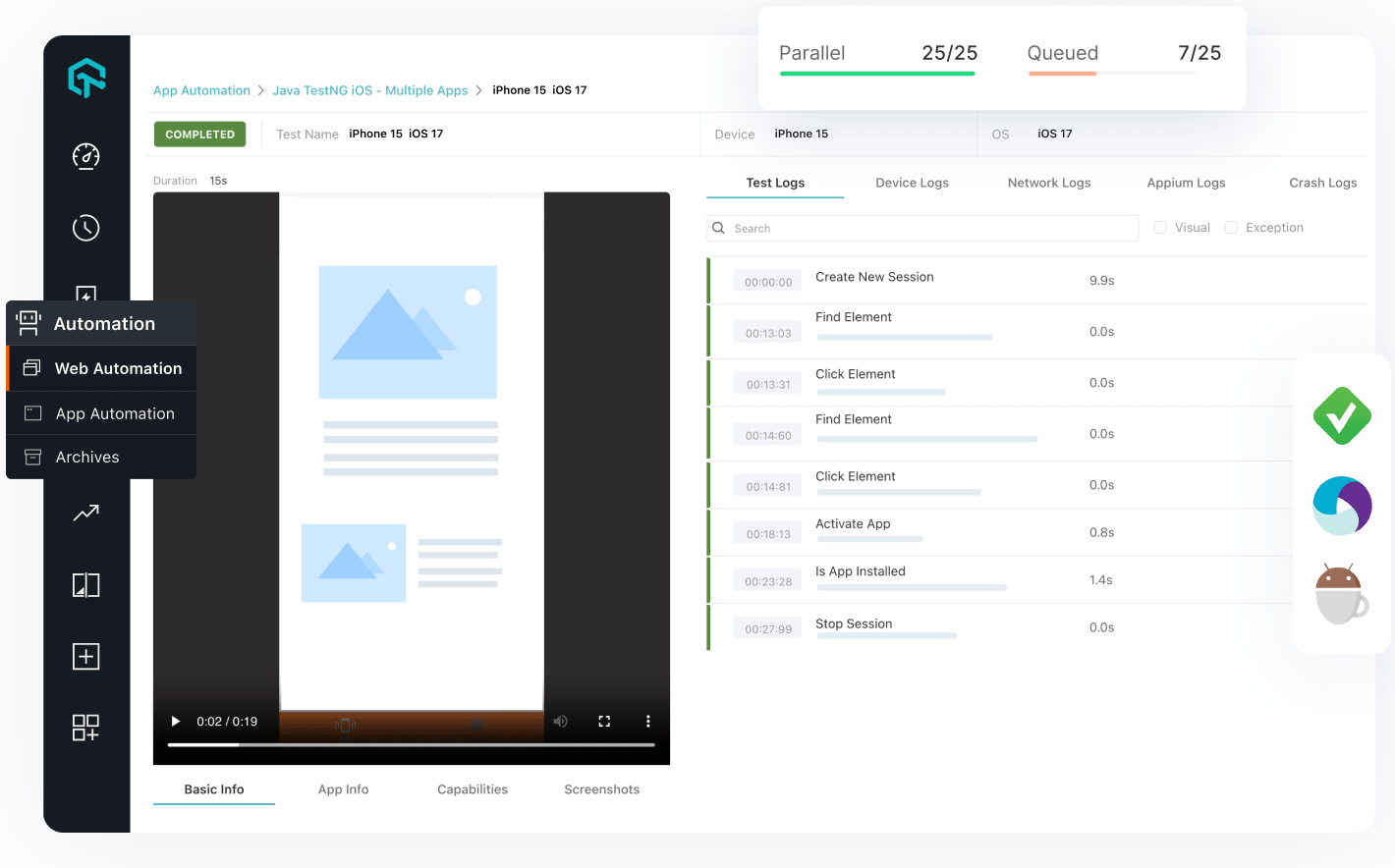
Automate Functional Testing on Cloud
- Run scripted functional tests at scale across 3000 + browser/OS combinations
- Integrated with major frameworks (Selenium, Appium, Playwright) with minimal setup.
- Parallel execution accelerates test cycles and speeds up time‑to‑release.
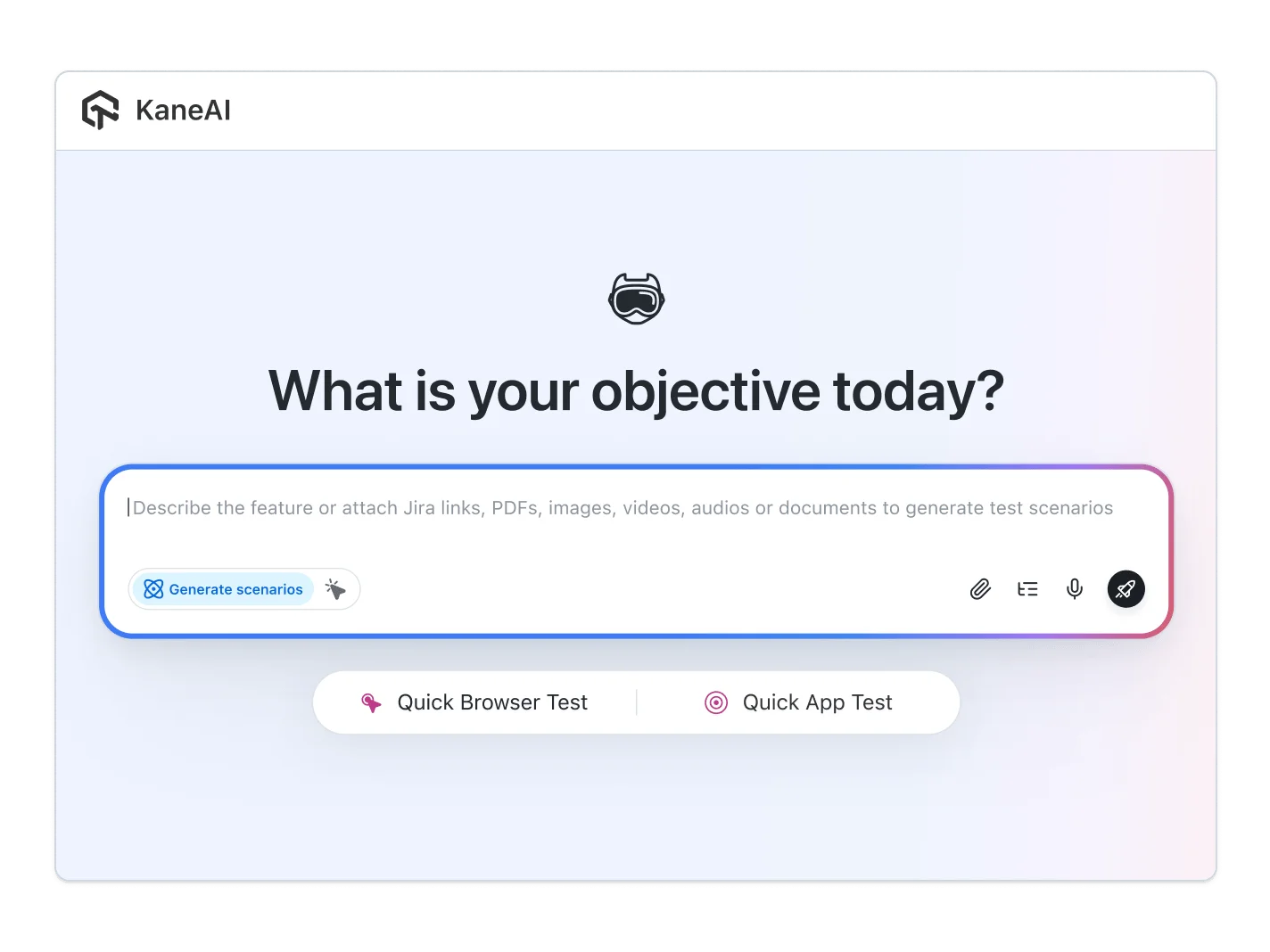
Kane AI – GenAI Native Functional Test Agent
- Create and evolve functional test cases using plain language input.
- Auto‑heal test scripts when UI changes break locators or workflows.
- Generated cross‑platform tests, root‑cause analysis and AI‑driven insights.
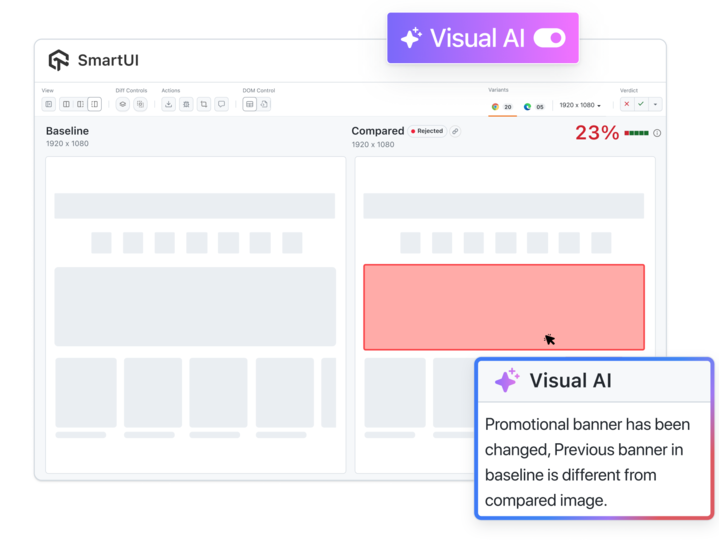
Visual AI for Pixel‑Perfect Functional Quality
- Detect UI regressions and layout anomalies across devices with AI.
- Automate full‑screen visual verification tied to functional flows.
- Combine functional and visual checks in one unified platform.

Advanced Features for Functional Testing

Mark as Bug
Instantly flag issues with annotations during testing for efficient tracking and resolution within your workflow.

Screen Resolution
Change your PC's screen resolution during testing to check how your website responds to different screen sizes.

Tunnel for local Testing
Securely test local and private environments in the cloud, ensuring seamless integration and access to behind-the-firewall applications.

Record Session
Capture and replay test sessions to analyze performance, debug issues, and improve test accuracy.

IP Geolocation
Track user activity and test behavior across different regions to ensure global application performance and compliance.

Smart RCA with Visual AI
Pinpoint visual bugs and accelerate debugging with AI insights, analyzing DOM, CSS, and component changes.
Customer Success Is Our Success


How LambdaTest helps Dunelm to achieve Digital Transformation in Testing
Stuart Day
Head of Quality


Dashlane reduced Test Execution Time by 50% with HyperExecute
HyperExecute is a highly reliable test execution platform and has excellent customer support.
Sagar Uday Kumar
Sr. Engineering Manager


LERETA improved the speed of test execution upto 70% with HyperExecute
You can just click a button and run your test and it is an efficient way to manage your test environments.
Todd Lemmonds
VP Quality Assurance

How LambdaTest helps Dunelm to achieve Digital Transformation in Testing
Stuart Day
Head of Quality
Dashlane reduced Test Execution Time by 50% with HyperExecute
HyperExecute is a highly reliable test execution platform and has excellent customer support.
Sagar Uday Kumar
Sr. Engineering Manager
More Reasons to Love LambdaTest
Documentation
Step-by-step documentation for various test automation frameworks to help you run your first Selenium script.
View Docs
Enterprise-Grade Security, Privacy, AI Governance & ESG
We protect your data and AI systems with global security, privacy, responsible AI, and ESG standards, backed by certifications, ESG attestation, and continuous monitoring, guided by Responsible AI Principles.

Wall of Fame
LambdaTest is #1 choice for SMBs and Enterprises across the globe.

Industry Recognition

24/7 support
Got questions? Throw them to our 24/7 in-app customer chat support or email us on support@lambdatest.com.


Trusted by over 2,000,000 teams
1.2B+
Tests
2M+
Users
10K+
Enterprises
132
Countries


Start your journey with LambdaTest
Get 100 minutes of automation test minutes FREE!!