 Test your AI Agents with the all-new Agent to Agent Testing Platform.Learn More
Online Selenium Grid On Cloud
Don’t let in-house Selenium Grid Maintenance drag you down! Ship faster with an online Selenium Grid of Desktop & Mobile Browsers.

Trusted by 2M+ users globally






Selenium Grid on Cloud with Real Devices
To ensure your test scripts run accurately, LambdaTest offers real devices. You can choose from a wide range of real mobile & desktop devices operating on Android, iOS & Windows. With LambdaTest save the cost of maintaining internal device library.
Get Started For Free

Parallel Testing on Online Selenium Grid
Shorten your test cycles by multiple folds through parallel testing with Selenium Grid online and ensure a faster go-to-market launch. Execute Selenium testing on hundreds of browsers + OS combinations, simultaneously.
Get Started For Free
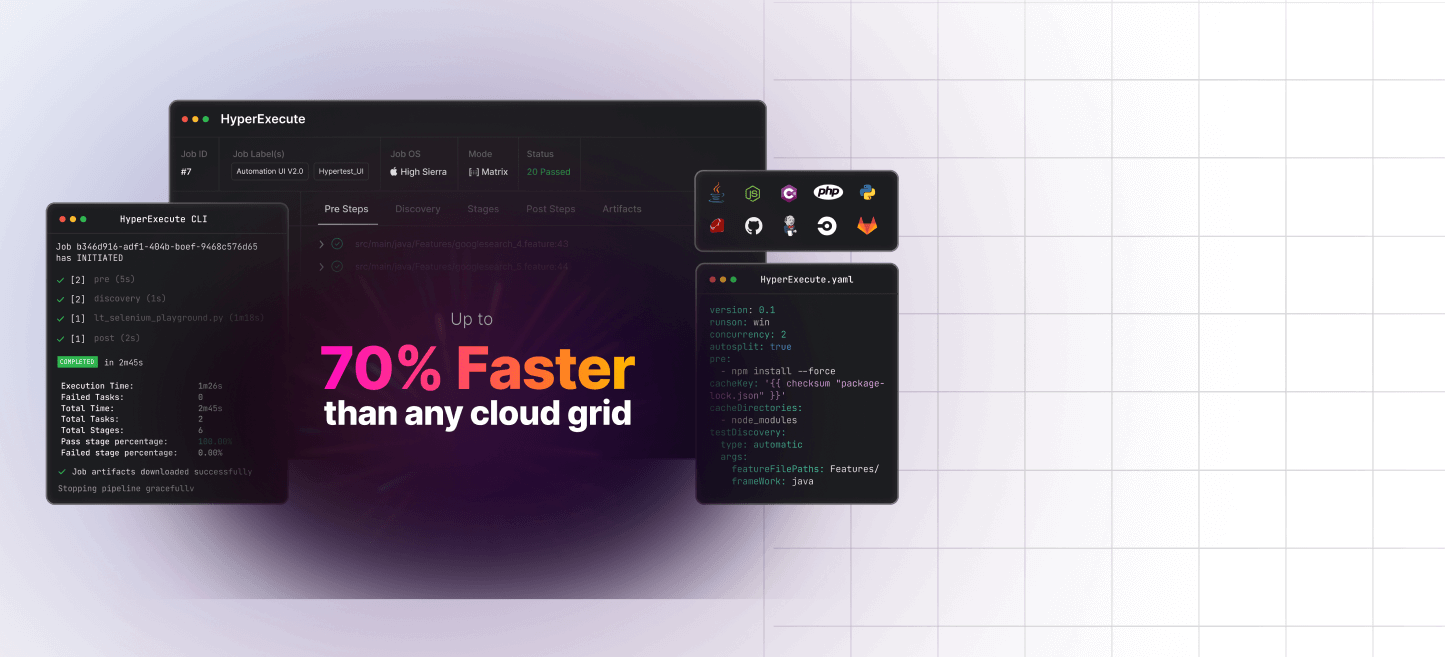
HyperExecute - Our Fastest Test Execution Platform
A next-generation test execution platform for agile QA teams. Test execution on cloud that matches local test execution speeds, and costs as much as a flexible spot instance cloud.

NEWLY LAUNCHED
HYPER EXECUTE
NEW PRODUCT
FASTEST TEST EXECUTION
CLOUD TEST
Selenium Grid on Cloud with Easy Debugging
Debugging your test scripts on Selenium Grid had never been so convenient. You can debug with ease & release faster using logs, command logs, network logs, raw Selenium logs. The video logs help you in reflecting entire end-to-end test execution.
Get Started For Free
Automate Accessibility Testing Effortlessly
Ensure web accessibility and achieve compliance with automated tests using LambdaTest Accessibility Automation.

Key Features for Testing on Real Devices Cloud

Real desktop and mobile browsers
Test on Selenium Grid cloud with 3000+ real browsers & devices. We have the fastest turnaround time of bringing new OS, Browsers, and Devices online.

Supports all languages & frameworks
LambdaTest Selenium Grid supports all programming languages and all major test automation frameworks. Check out the documentation to know more.

End-to-end test execution logs for easy debugging
Debug each test run with end-to-end test execution logs. Get complete Selenium execution logs, video logs, network logs, viewport screenshots and much more.

Enterprise-ready Tunnel for local testing
Test your locally hosted or privately hosted web apps and webpages through our enterprise-ready LambdaTest tunnel feature. Check out the documentation to learn more.

Out-of-the-box geolocation testing
LambdaTest comes with an out-of-the-box in-built geolocation testing feature that enables you to test on 60+ country locations and regions.

Detailed analytics and reporting of test runs
Integrated analytics and reporting feature to help you analyze your test runs and send reports to stakeholders. Never miss out any detail.
AI-Agentic Quality Engineering
Plan, author, and evolve end-to-end tests using natural language.More about KaneAI

Packed with Next-Gen AI Features!

24/7 Support
Get access to industry leading 24/7 dedicated support

Local Host
Perform faster local testing with UnderPass app, built for secure tunnels

120+ Integrations
Fits seamlessly into your testing stack with out-of-the box integrations

Native DevTools
Use native DevTools to debug and optimize your apps effortlessly
Customer Success Stories
World's leading companies trust LambdaTest with their digital transformation journey. All Customer Stories
0
flaky tests
50%
reduction in test execution time

HyperExecute is a highly reliable test execution platform and has excellent customer support.
Sagar Uday Kumar
Sr. Engineering Manager
Read case study


More Reasons to Love LambdaTest
Documentation
Step-by-step documentation for various test automation frameworks to help you run your first Selenium script.
View Docs
Enterprise-Grade Security, Privacy, AI Governance & ESG
We protect your data and AI systems with global security, privacy, responsible AI, and ESG standards, backed by certifications, ESG attestation, and continuous monitoring, guided by Responsible AI Principles.

Wall of Fame
LambdaTest is #1 choice for SMBs and Enterprises across the globe.

Industry Recognition

24/7 support
Got questions? Throw them to our 24/7 in-app customer chat support or email us on support@lambdatest.com.


Trusted by over 2,000,000 teams
1.2B+
Tests
2M+
Users
10K+
Enterprises
132
Countries
Frequently Asked Questions


Start your journey with LambdaTest
Get 100 minutes of automation test minutes FREE!!